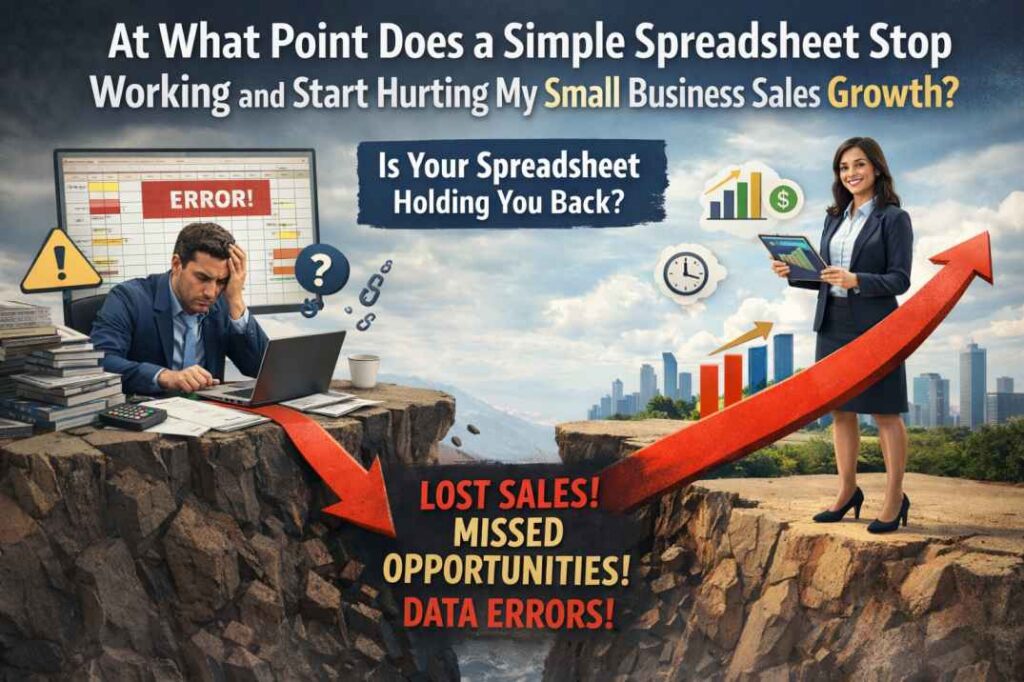
“At what point does a simple spreadsheet stop working and start hurting my small business sales growth?”
In This Analysis:
In the early days of any startup, the CRM vs Spreadsheets debate is usually won by the spreadsheet.
Excel or Google Sheets are free, highly customizable, and require zero training. You can list names, phone numbers, and deal sizes in seconds. However, as your business moves into 2026, the limitations of a flat file become apparent.
A spreadsheet is a static record; it doesn’t remind you to call someone, it doesn’t track call history automatically, and it is notoriously difficult to manage on a mobile device while you’re in the field. To truly scale, you need a dynamic system.
5 Signs You’ve Outgrown Your Spreadsheet
1. You’re Forgetting Follow-ups
If you have to manually look through rows of data to remember who to call today, you’ve already lost. A spreadsheet won’t tap you on the shoulder; a CRM will.
2. No Mobile Syncing
Trying to edit a Google Sheet cell while walking through a job site or sitting in your car is a nightmare. This friction leads to “Data Procrastination,” where you wait until the end of the day to log info—and by then, you’ve forgotten the details.
3. Lack of Communication History
Can you see exactly what was discussed on the last three phone calls in your spreadsheet? Probably not. Without a logged history, every follow-up feels like starting from zero.
4. Multi-User Chaos
The moment you hire your first sales rep, the spreadsheet becomes a liability. Versions get confused, rows get deleted, and “Lead Snatching” becomes a problem.
5. Data Entry is Eating Your Profits
If you spend an hour a day “cleaning” your sheet, that is 5 hours a week not spent selling. In the CRM vs Spreadsheets calculation, the spreadsheet is often more expensive in terms of lost time.
The Hybrid Solution: Frictionless Mobile Tracking
Many small business owners resist the move to a CRM because they fear complexity. They don’t want to spend weeks learning a system like Salesforce.
This is where tools like CallNoty bridge the gap. It provides the simplicity of a spreadsheet with the automated “reminders” of an enterprise CRM. Instead of manually entering data, CallNoty uses a smart overlay to help you tag leads and save notes the second your phone call ends.
Final Verdict: Which Tool Wins?
If you have fewer than 10 leads a month, stay with a Spreadsheet. But if you are a professional who lives on their phone—a realtor, a consultant, or a service provider—a mobile-first CRM is a requirement for growth.
Research from Harvard Business Review suggests that organized follow-up systems can increase closing rates by up to 30%. Don’t let a “free” spreadsheet cost you thousands in lost commissions.
Move Beyond the Spreadsheet
Ready to automate your sales notes without the complexity of a desktop CRM? Join thousands of pros who use CallNoty for instant lead management.
Download CallNoty for FreeOptimized for Android | No Credit Card Required